


Integration between nodus and Fortnox
nodus creates invoices in Fortnox from rents, extra charges and bookings – and brings status and payments back.
What the integration does
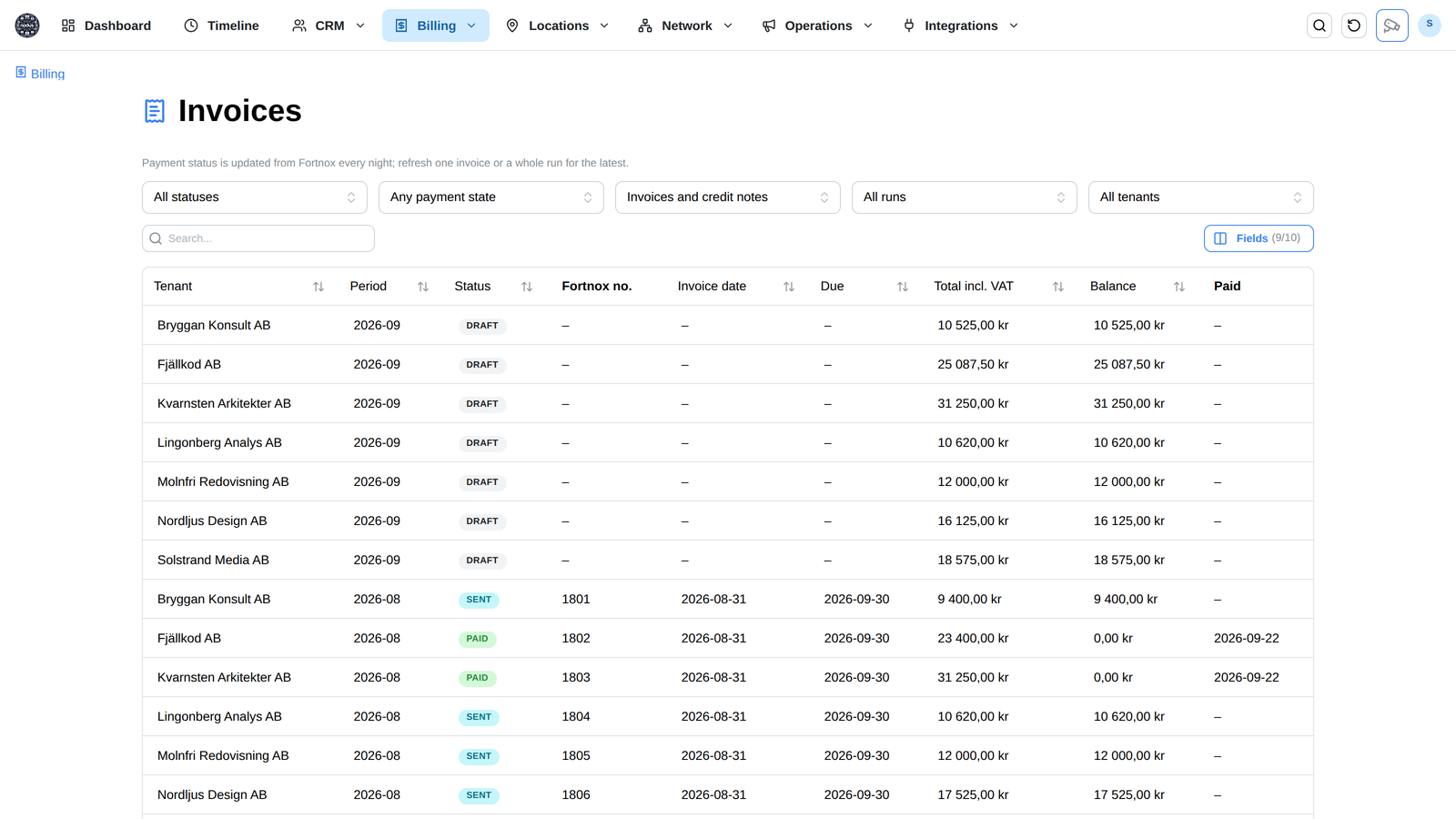
- Invoices are created as drafts in Fortnox – you review and book them as usual.
- Invoice status and payments come back to nodus.
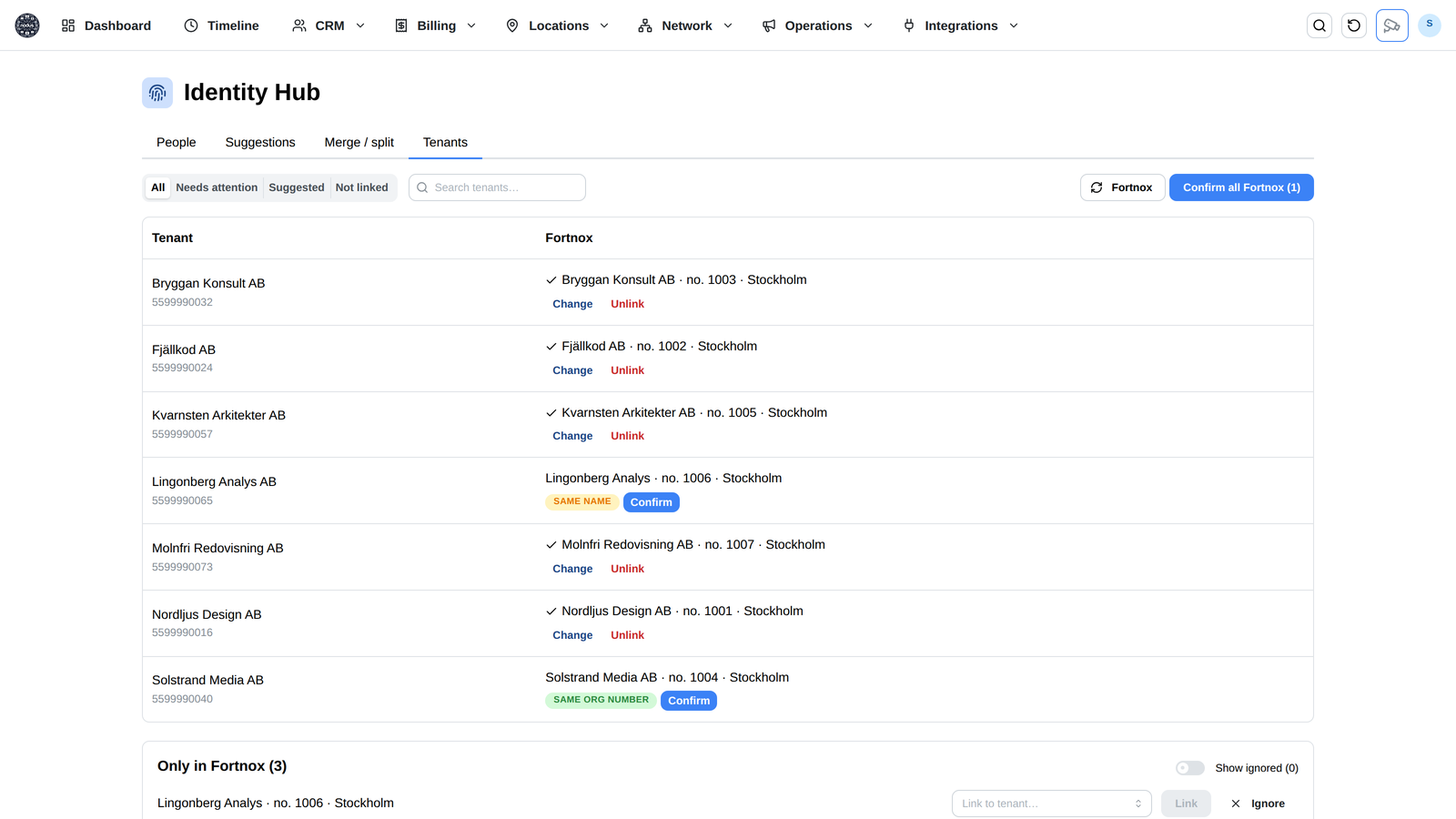
- Tenants are linked to existing Fortnox customers by organisation number.
- Articles are kept in sync with the Fortnox article register.
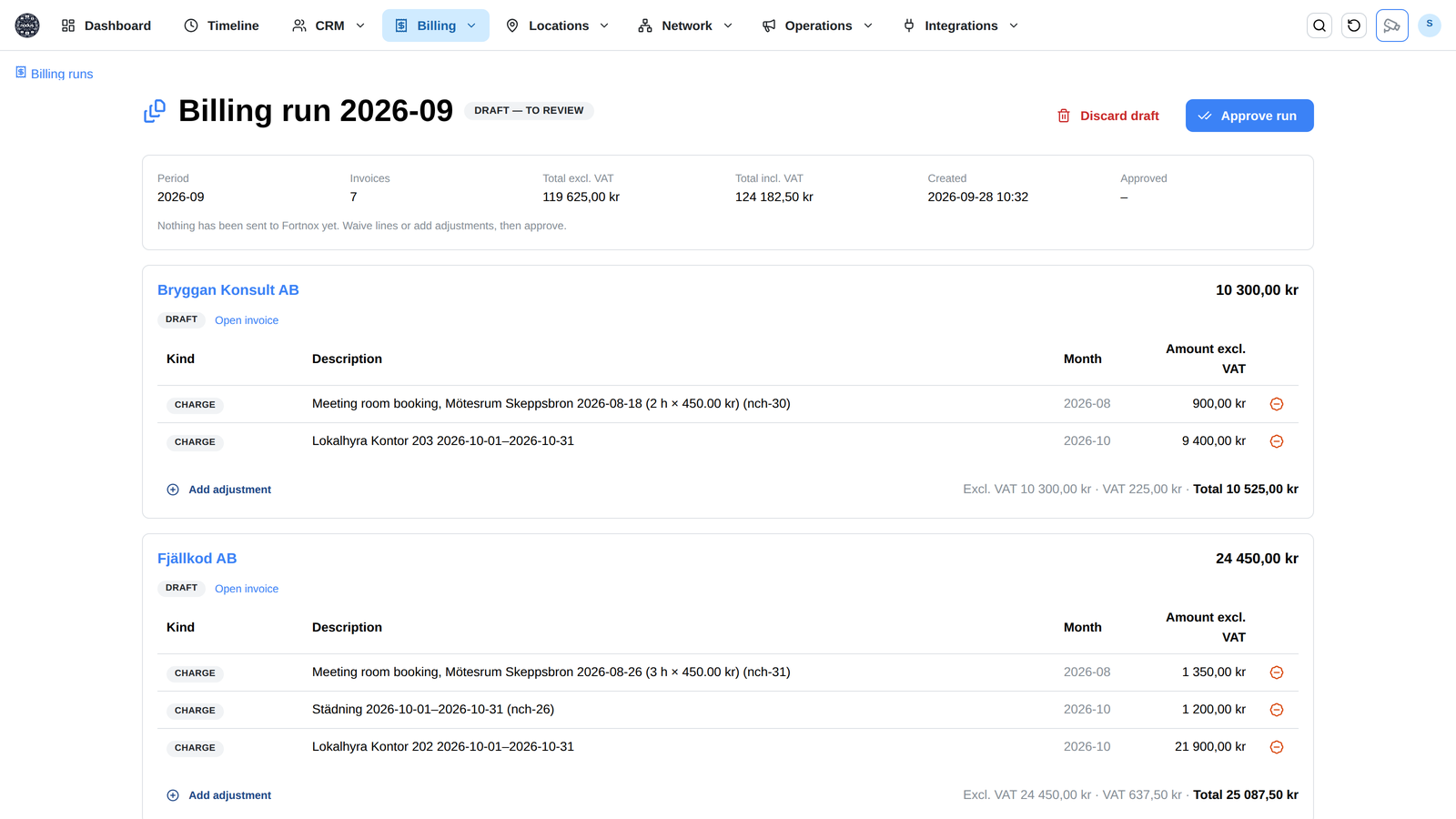
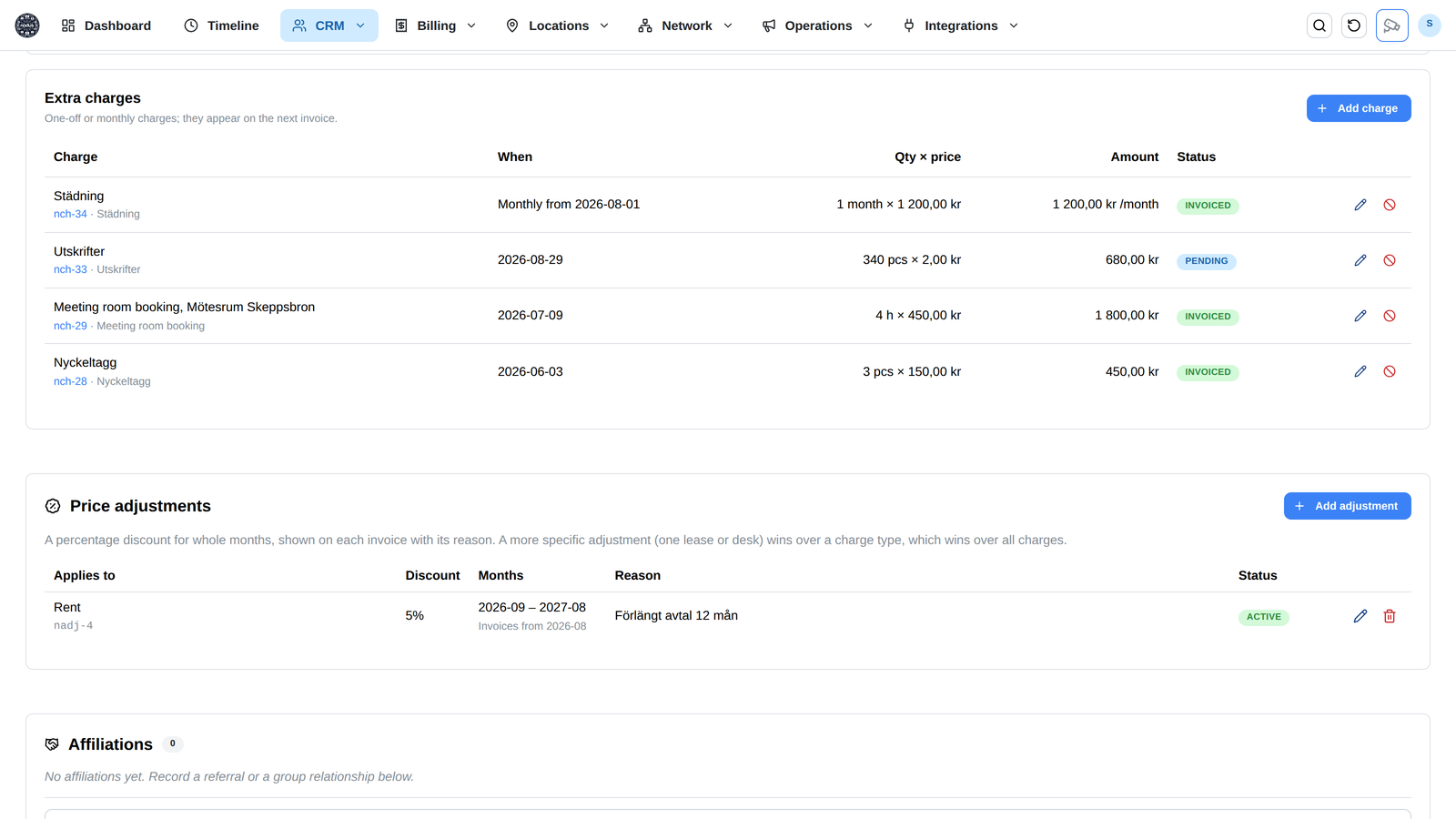
- Extra charges and discounts land on the right invoice.
How to connect
-
Sign in to nodus.
-
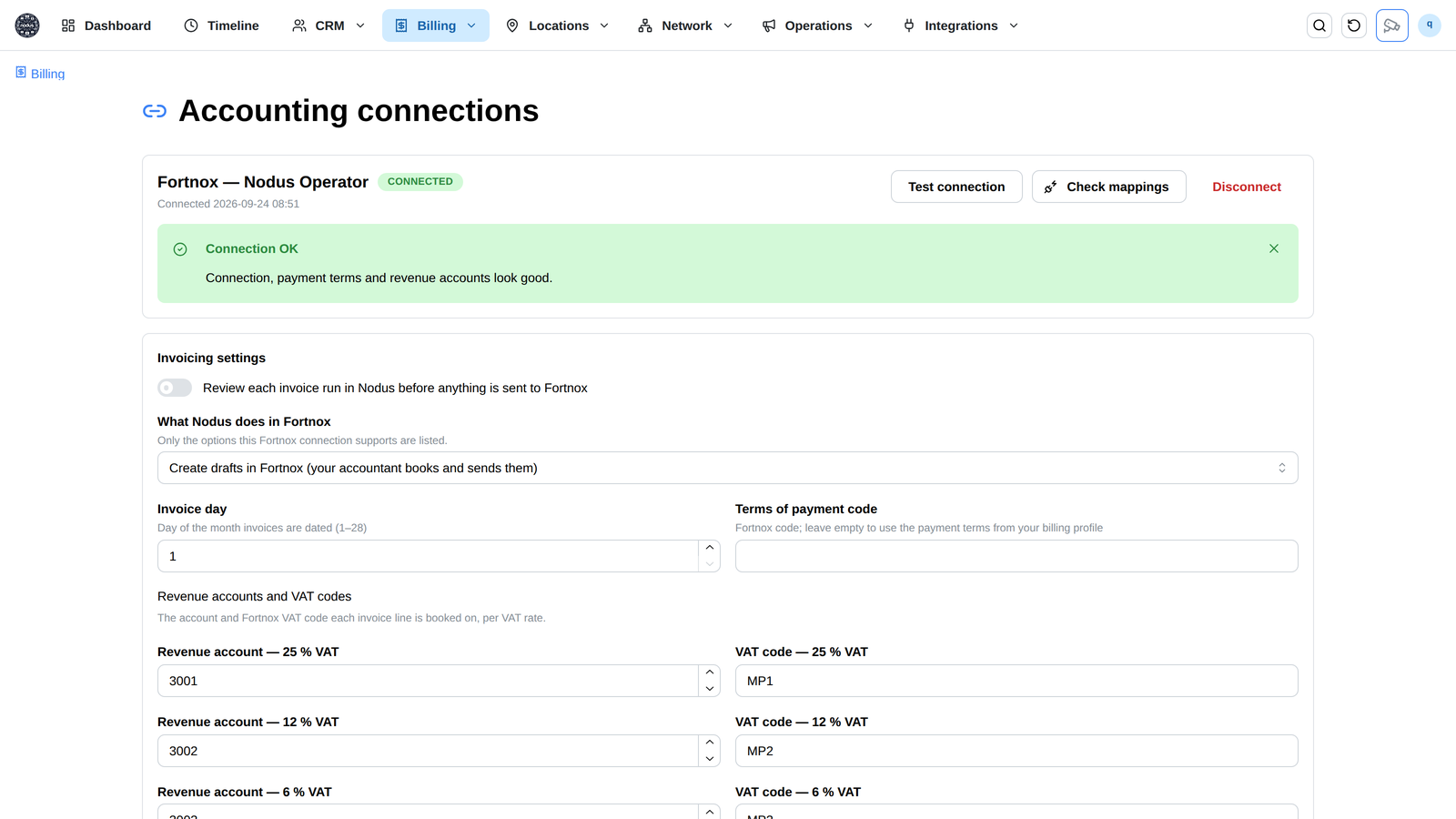
Open Billing → Connections.
-
Connect Fortnox and approve.
Requirements
A Fortnox licence with Invoicing and Bookkeeping.
Price
Included in nodus – contact us.
Support
Why nodus and Fortnox
The problem it solves
An office hotel or coworking space invoices its tenants every month for rent, desks, services and usage such as meeting-room bookings. Without an integration, that information is carried by hand from contracts and bookings to invoices in Fortnox.
What neither system does alone
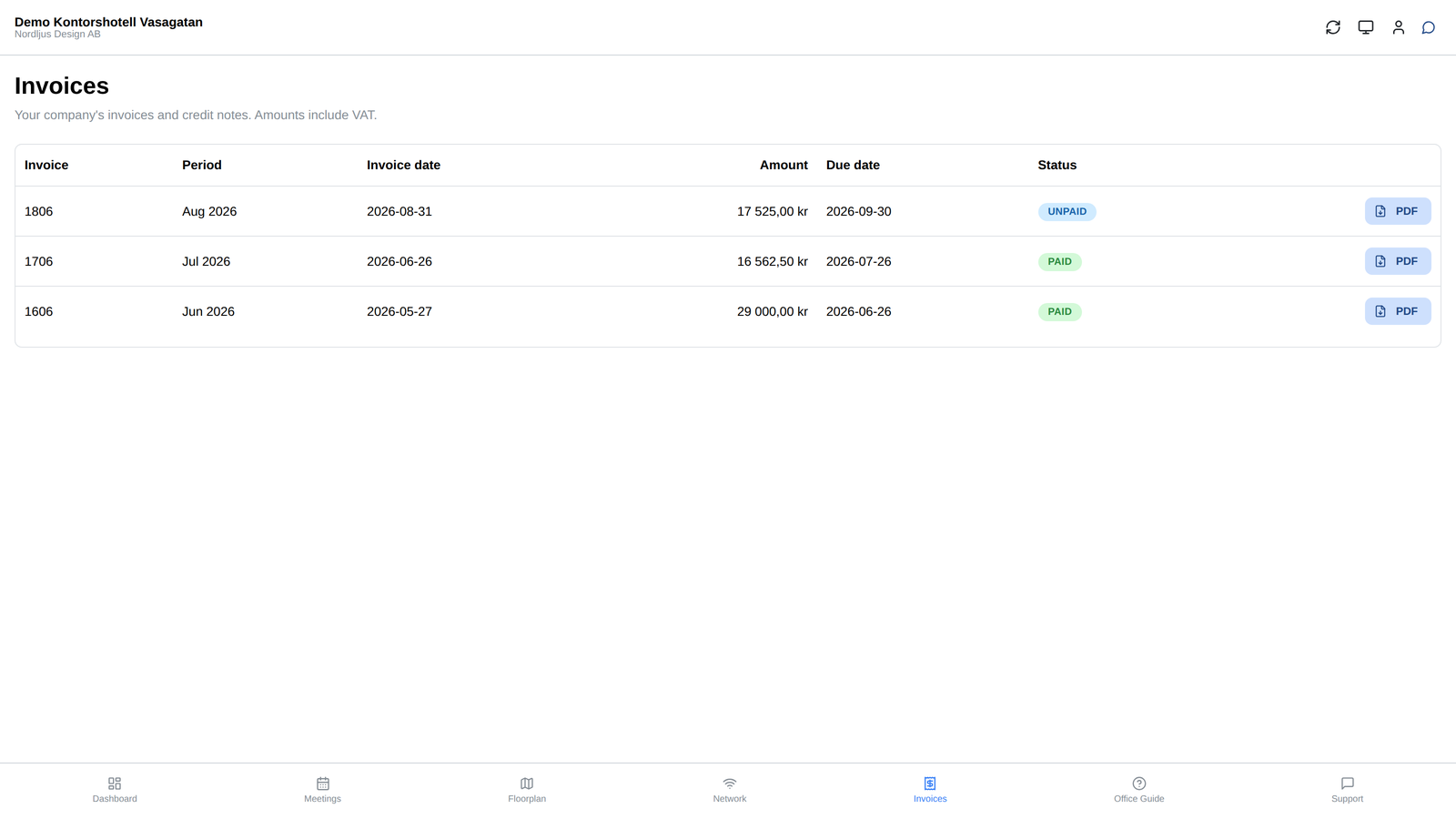
nodus knows which contracts, desks, services and bookings each tenant has. Fortnox handles invoices, bookkeeping and payments. Together, what is in nodus becomes invoices in Fortnox, and the payment status shows in nodus – for you and for the tenant in the member portal.
The benefits
Invoices are worked out from the same data as the contracts and bookings, so the monthly invoicing takes less manual work. When a contract changes after the fact, nodus puts the correction on the next invoice. You review and book as usual in Fortnox.
Who it is for
Office hotel and coworking operators who invoice their tenants and keep their books in Fortnox.
How data moves between nodus and Fortnox
Invoice status and payments are fetched as soon as something changes in Fortnox, and once a night as a check.
 nodus
nodus → Fortnox

- Customers: tenants are created in Fortnox or linked to existing customers by organisation number.
- Articles: created and updated in the Fortnox article register, or linked to an existing article.
- Invoices and credit notes: from rents, desks, services and usage – as drafts, or booked and sent if you choose.
Fortnox → nodus
- The customer register: so tenants can be linked to customers you already have.
- Invoice status: booked, sent or cancelled.
- Payments: what has been paid, and when.
- The invoice PDF: the tenant finds it in the member portal.
About Fortnox
Fortnox empowers businesses to launch, grow, and thrive. Through cutting-edge technical solutions for companies and accounting firms, streamlined financing, and a powerful ecosystem of partnerships, Fortnox stands as the vital hub for entrepreneurship in Sweden.